Last week I've stumbled over an unforeseen issue while trying to download a patch via MyOracleSupport(MOS) provided (dynamicscaling to be complete but that's another story)
As I tend to use autoupgrade to download and install patches etc I did not often make use of the wget.sh script provided by MOS or edelivery.
Nevertheless last I had to and while running
wget.sh
my download immediately failed with
INFO: Output dir not specified, defaulting to current directory.
ERROR: Missing token. Provide -t <token> OR -T <token_file>.
Obviously the script expects something I was not aware of : An Oracle Support download token. And the download page itself does not provide an option to create one there.
get a token
To get a token, just open https://updates.oracle.com/Orion/GenToken/get_token in a browser (probably you're still logged in to MOS ;-))
Press the generate token button
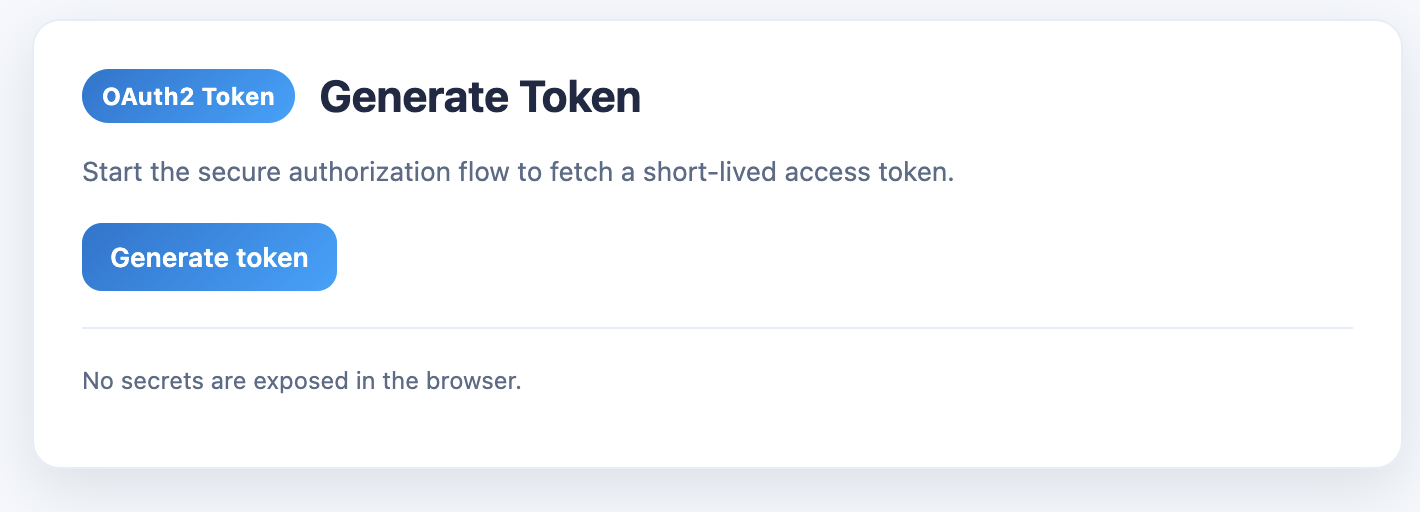
and you will get a new token which can be downloaded or copied.
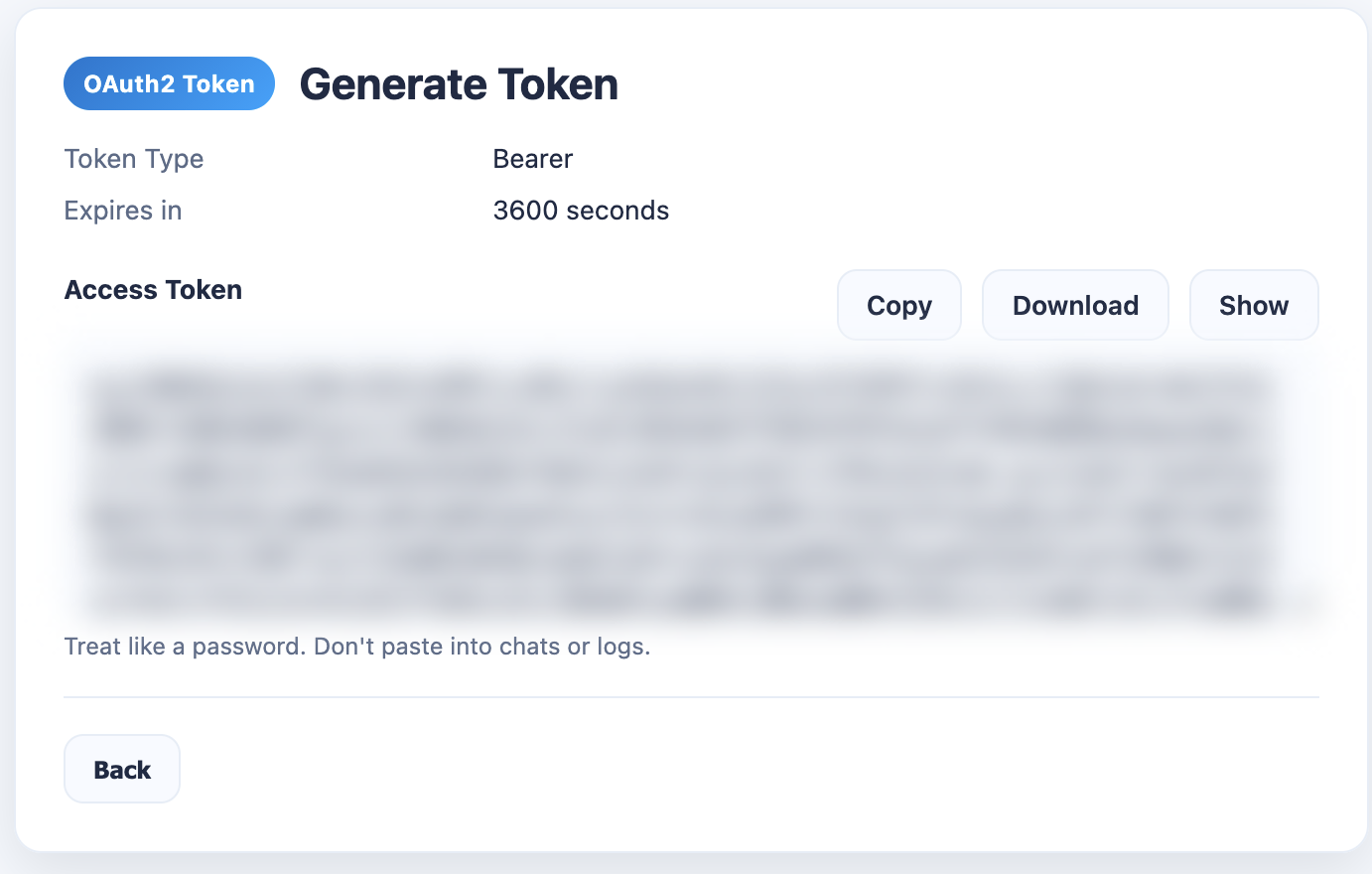
I tend to copy the token and create a file on the host I want to start the download from, though in the end it's up to you :-)
create a file mos_token.txtcontaining the token info.
run the wget.sh
./wget.sh -T mos_token.txt
if you desire passing the token directly you could do this with
./wget.sh -t '<token>'
As said I would recommend using the file option as there is no token available in the bash history or so.
remove the token file after download
rm mos_token.txt
That's it :-) Not that complicated but something you need to be aware of.
Further reading
Token gen URL
About the author
nerd, consultant, dba (not always in that order) curious about postgres, oracle, kafka and other tech stuff addicted to books, music and podcasts
Comments
Join the discussionNo comments yet. Be the first to comment.

